Eat
Nutrition
Hit your macros without
Hit your macros without
making it a second job.
Five ways to log, a database that puts the right food first, and targets that learn from your own weight trend.
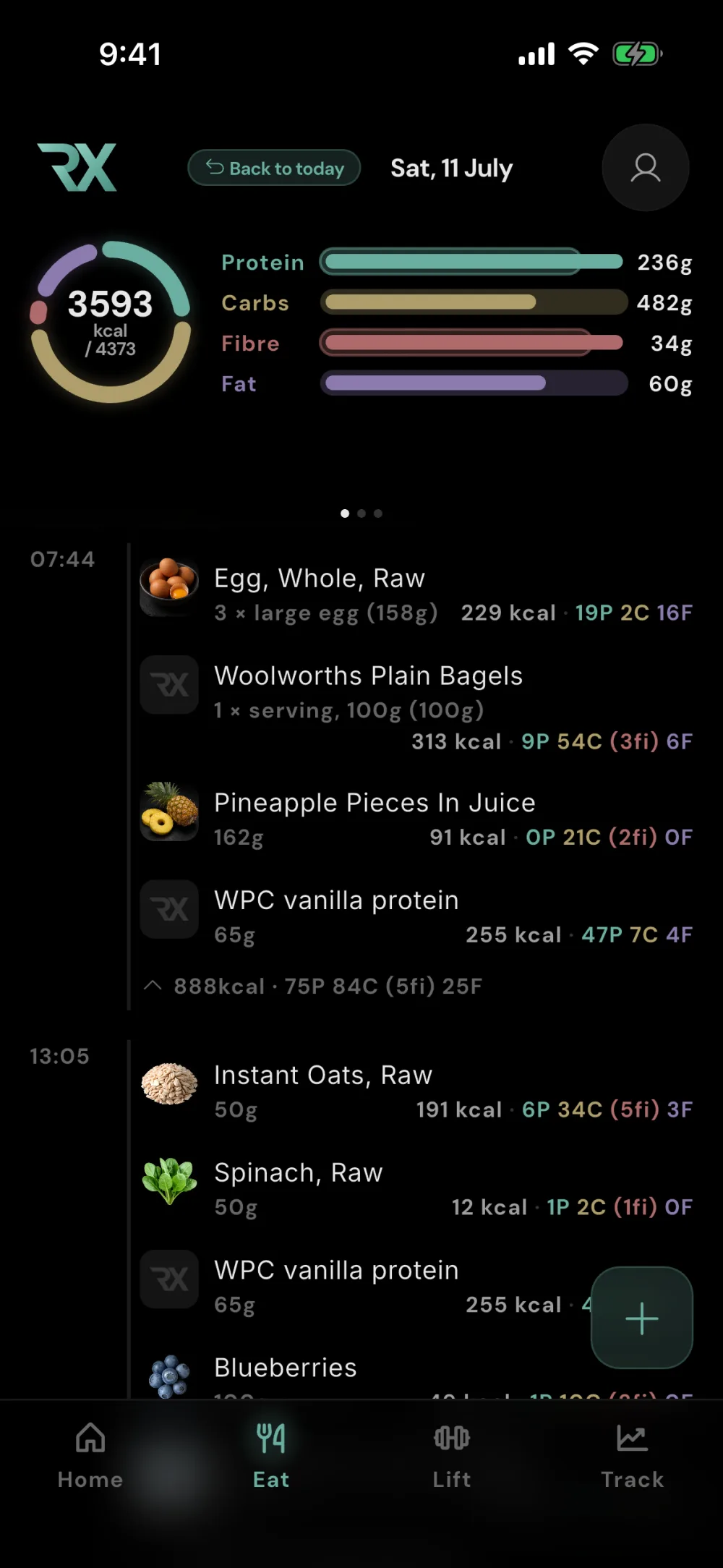
Five ways to log
Whichever way is fastest right now.
- It knows your routine. RESISTX notices what you usually eat and when, so the meal you have most mornings is already waiting at the top.
- Search a curated database, your foods pinned first.
- Barcode with a native scanner that fires instantly.
- Photo the plate; entries build themselves from what's on it.
- Say it. "Two eggs, toast, a scoop of whey" and it's logged.
- Straight macros when you already know the numbers, right from the home-screen widget.
- “Hey Siri, log food with RESISTX.” Describe your meal and Siri logs it without opening the app. If processing cannot finish, your description is saved to retry.
- Speak a meal on Apple Watch. Dictate what you ate, review the food and portions, then tap Log food from your wrist.
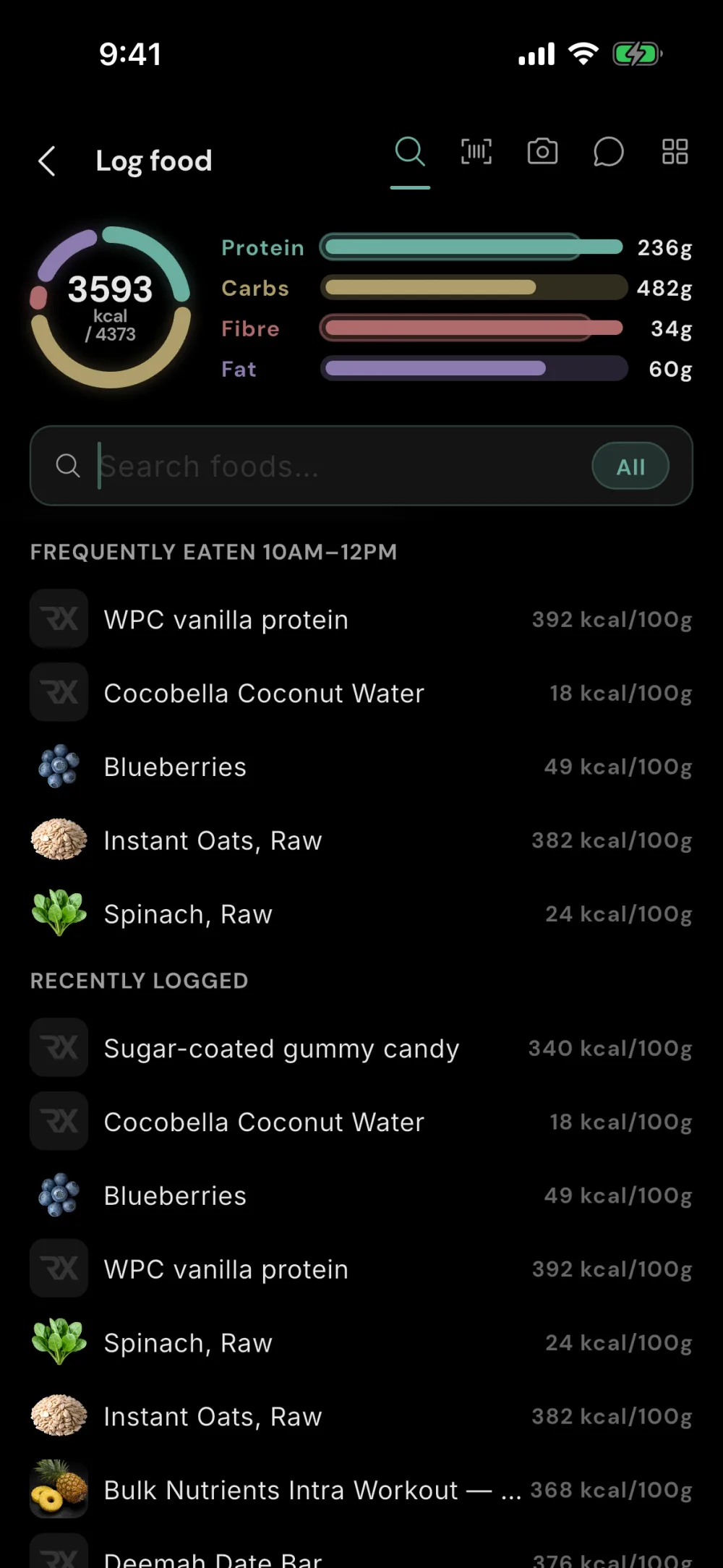
Today
Protein236 G
Carbs482 G
Fat60 G
Fibre34 G
The database
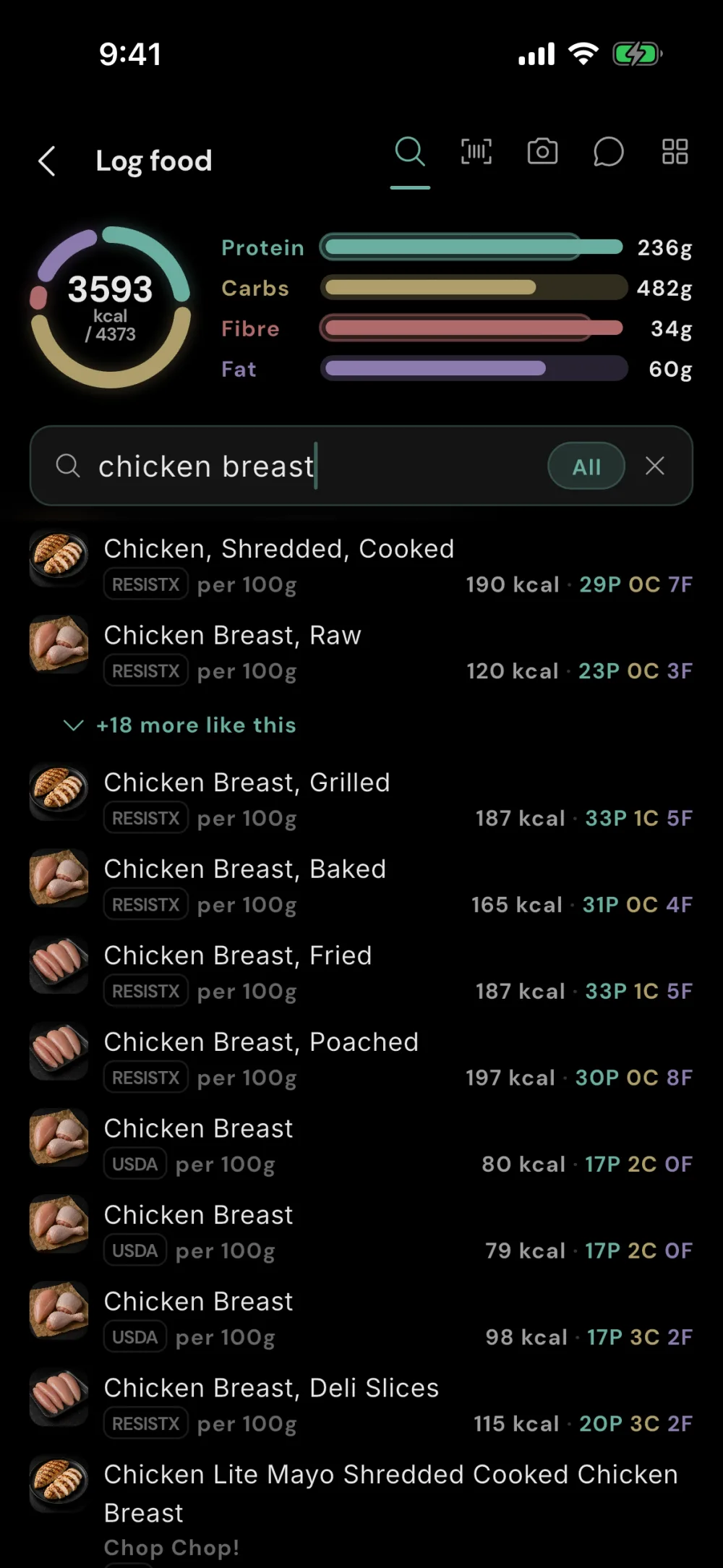
The right food comes up first.
- Curated staples at the top. Hundreds of everyday foods, hand-picked and named the way you'd say them, so search isn't twenty near-duplicates deep.
- Real regional coverage. AU, UK, CA and US foods that actually match what's on your shelf.
- On your phone. The whole database lives on-device; search works in airplane mode.
- Fibre done right. Energy math that handles fibre properly instead of pretending it's a carb like everything else does.
- Create your own foods. Scan a nutrition label to save a food with its own serving size and macros.
Recipes
Describe what you cooked.
Get macros per serving.
- Your ingredients, in your words. Type what went into the pan and how many people it serves. RESISTX turns it into a recipe you can review and save.
- A link or a photo works too. Import a recipe from a website or photograph the recipe itself. Check the matched ingredients and quantities before saving.
- Cook once. Log it again. Set the yield, log your portion, and keep the recipe for next time. Saved meals and favourites make repeat meals just as quick.

Adaptive targets
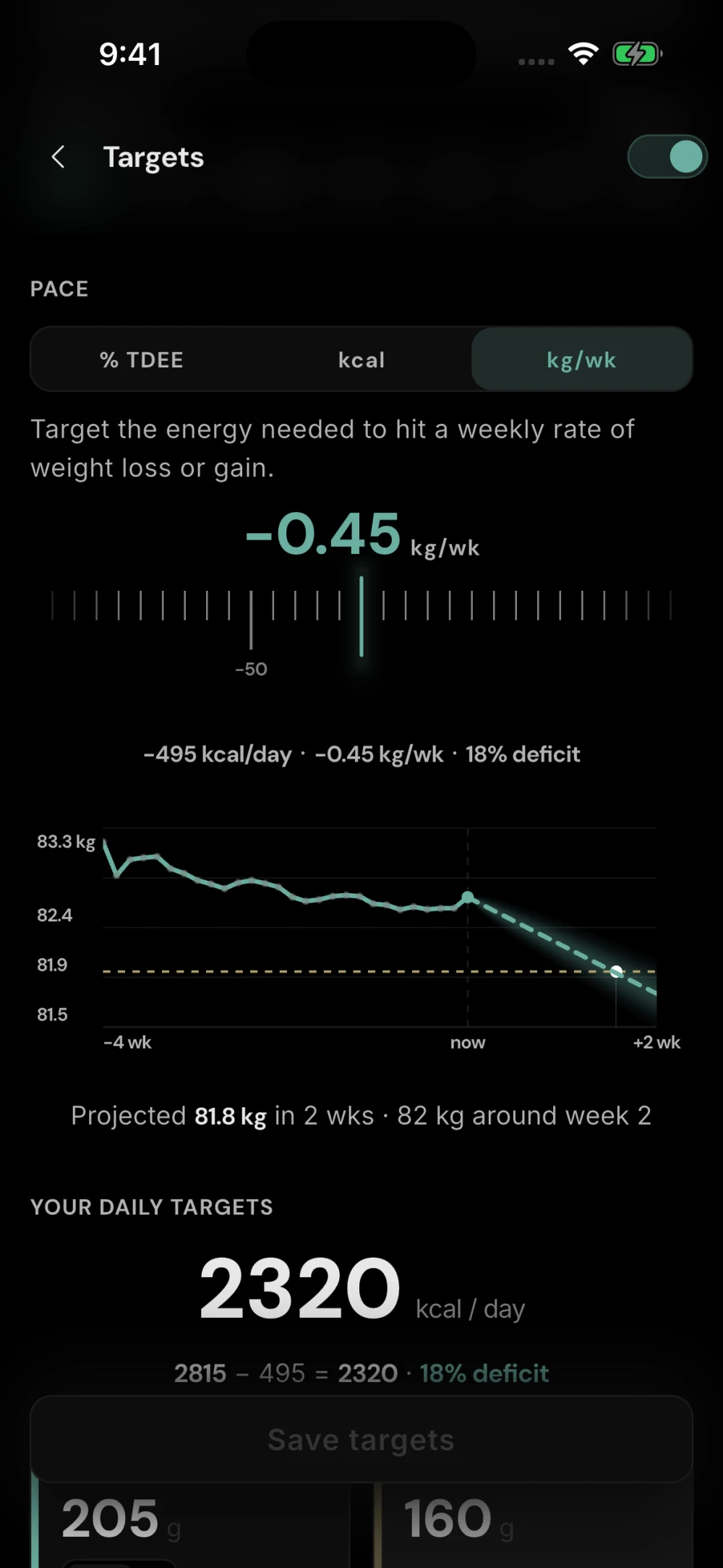
Targets that learn from your body.
- Your real expenditure, back-calculated from what you ate and what the scale did. Not a formula's opinion of you.
- A projection, not a promise. See where the current intake takes you, with honest uncertainty.
- Goal-anchored targets. Bulk, cut or hold; targets follow the goal and the data.
Everything in Eat
Down to the last gram of fibre.
Learns what you usually eatSearch loggingBarcode scanningPhoto loggingVoice and chat logging
Quick macro entryLog from the home-screen widgetCurated canonical foodsRegional food databases
On-device food databaseCustom foods (label scan)RecipesSaved meals
FavouritesAdaptive TDEEWeight-trend projectionGoal-anchored targets
Fibre-correct energy mathHydration trackingNutrition history importOffline food search and manual logging
Describe a recipeRecipe URL importRecipe photo importMacros per recipe serving